how to use this book
This is the Handbook of Prayers — the whole book, made into a website. It is free, it asks for no account or sign-up, and once it has opened on your phone or computer it keeps working even without an internet connection. Everything below is here to help you pray; use as much or as little as you like.
start with today
The ✳ today page is the best place to begin. It knows the date and the hour: it tells you the Church's season, the feast or saint of the day, and suggests the prayers that fit the moment — morning prayers when you wake, the Angelus at midday, the examination of conscience at night. Visit it once a day and it will always have something for you.
finding a prayer
Tap the magnifying glass at the top of any page (or press the / key on a keyboard) and start typing — a few letters are enough. Type “guard” and the Prayer to one's Guardian Angel appears; tap it and you are there.
Prefer to browse? The Contents button lists every chapter of the book, from Basic Prayers to Blessings, just as in the printed edition.
the rosary, bead by bead
The guided Rosary walks with you: choose the day's mysteries (the right set is already marked today), then simply tap the page after each prayer — each Hail Mary fills a bead on the screen, so you never lose your place. On each mystery, tap read the meditation to unfold a short reflection without leaving your beads. Your screen stays awake while you pray, and if you are interrupted, the page remembers where you set it down.
ending the day
The ☾ night prayers walk you through the brief examination of conscience the book recommends before sleep — a few quiet questions, the Act of Contrition, three Hail Marys, and a good-night to Our Lady. It takes about five minutes, tap by tap, like the Rosary.
marking the prayers you love
Next to every prayer's title you will find a small ribbon — tap it and the prayer is marked, the way you would slip a ribbon into the printed book. All your ribbons gather on the marked prayers page, where you can put them in your own order and even pray through them one after another. A share button there lets you send your whole list to a family member's phone.
reading comfortably
The Aa button at the top opens the reading options: make the letters larger or smaller, choose the day (parchment) or night (dark) look — or let it follow your device's own day and night — keep the screen from going dark while you pray, or enter focus mode, which hides everything but the words. In focus mode, tap the page to peek at the controls for a moment; your phone's back button (or the Esc key) brings everything back.
latin and english
The Order of Mass can be read in English, in Latin, or side by side — the buttons at the top of that page switch between them, and the book remembers your choice. Many classic prayers (the Our Father, the Hail Mary, the Salve Regina…) offer the same choice on their own pages.
keep it on your phone
If an Install button appears at the top, tap it and the book gets its own icon on your home screen, like any app. (On an iPhone: tap the share button in Safari, then “Add to Home Screen.”) After that the entire book is kept on your device — it opens instantly and works on a plane, in a crypt, anywhere without signal.
small kindnesses
If you leave off reading partway down a long page, a small “resume where you left off” note offers to bring you back. If you pray the guided Rosary or night prayers daily, the today page quietly keeps count of your days in a row. And the little chain-link beside each prayer's title copies a link, so you can send one prayer to a friend.
giving the book away
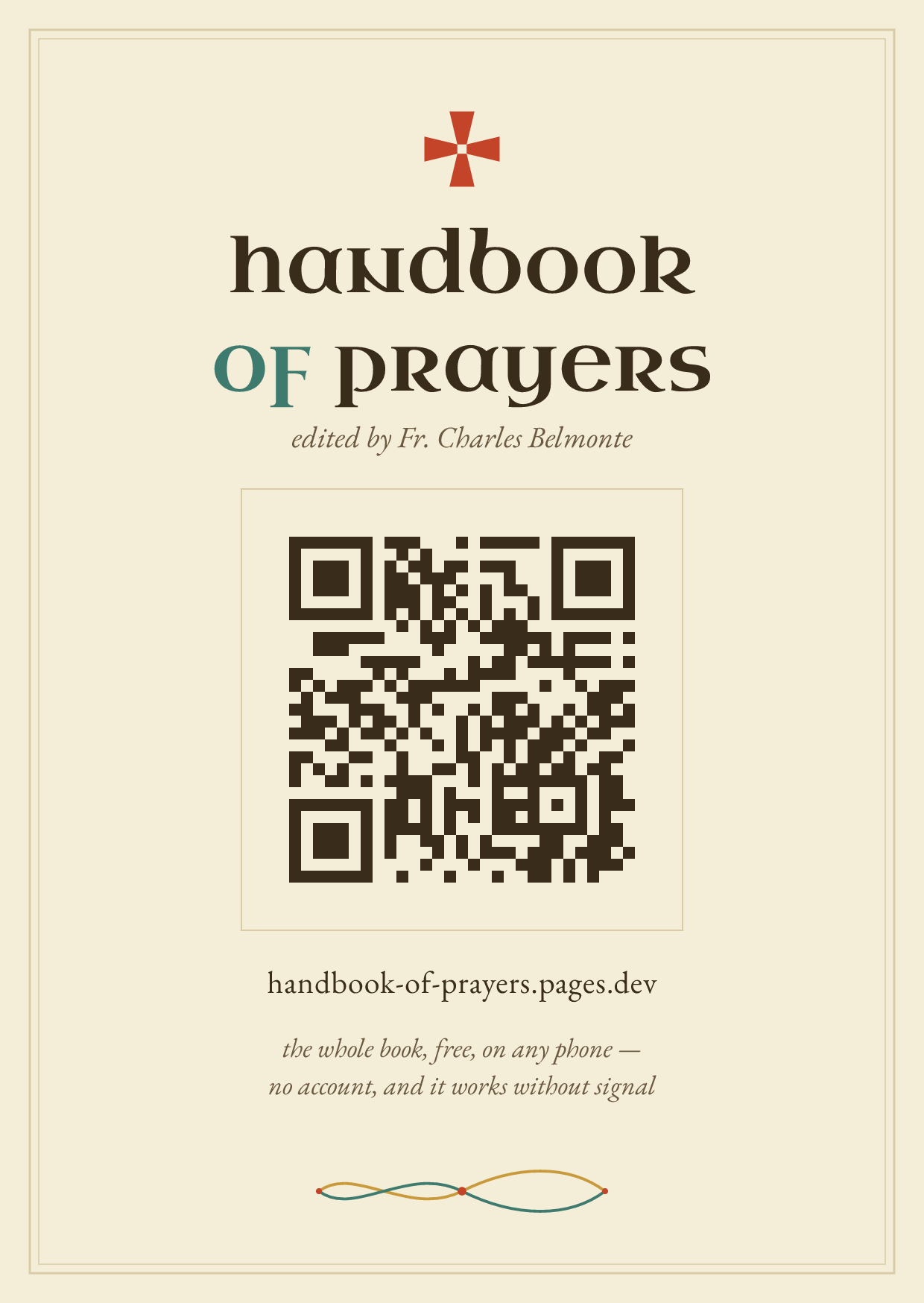
The best way to share this book is in person. Let a friend point their phone's camera at the mark below — the book opens on their screen, and it is theirs to keep, free as it was given to you.
And for the parish notice-board or the vestibule table, the same mark is set on a small card, ready to print — postcard-sized, in the book's own dress.
That is all of it. The book asks nothing of you but time — begin with today. ✠